
SSD thermal pads have become more important as storage products move from PCIe 3.0 to PCIe 4.0 and PCIe 5.0. Modern SSDs are faster, denser, and often placed in tighter spaces. The result is simple: more heat is generated in a smaller area.
An SSD under sustained load needs a reliable path for heat to leave the drive. This is especially important in compact or densely packed systems, where poor cooling can affect performance and long-term reliability.
A thermal pad helps move heat from the SSD components to a heatsink, metal shell, chassis, or enclosure. It fills small air gaps between uneven surfaces and creates a more stable heat transfer path.
Why SSDs Generate Heat
An SSD has no moving mechanical parts. Almost all heat comes from electronic power loss. The heat is concentrated in a small PCB area, so temperature can rise quickly during heavy use.
SSD Controller
The controller is usually the hottest part of a high-performance SSD. It manages address mapping, wear leveling, error correction, encryption, garbage collection, and data scheduling.
High-end PCIe 5.0 controllers can reach peak power levels around 12 to 15 W. Under full load, the controller temperature may go above 90°C. In many SSDs, the controller runs 15 to 25°C hotter than the NAND flash.
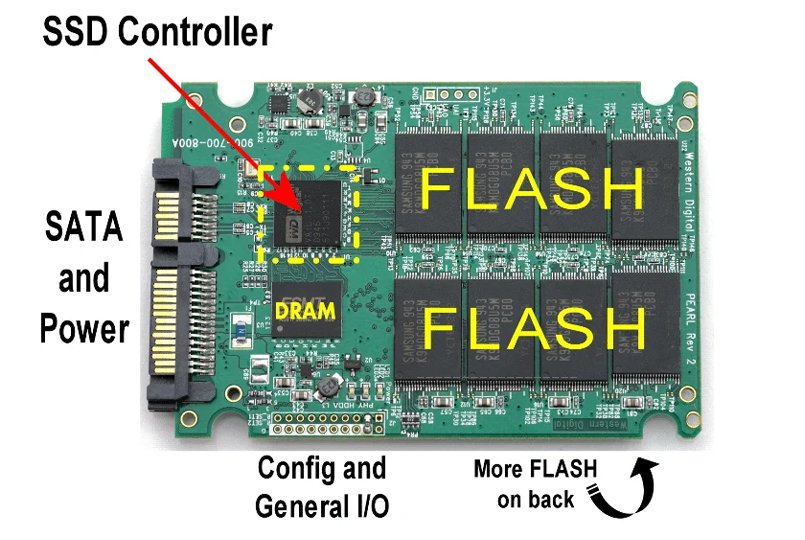
3D NAND Flash
3D NAND flash also produces heat during programming, erasing, and repeated read-write operations. Current high-capacity SSDs may use many NAND dies and dense double-sided PCB layouts.
In 8 TB and larger SSDs, the total heat from the NAND area can rise sharply. The heat may not be as concentrated as the controller, but it covers a wider area and can build up during parallel read-write workloads.
Interface Speed and Workload
PCIe 4.0 and PCIe 5.0 doubled the available bandwidth compared with earlier generations. Higher transfer speed also means higher power demand.
In AI servers, data centers, gaming desktops, and industrial systems, SSDs may run under heavy workloads for long periods. A closed laptop chassis, dense 1U server, or compact vehicle computer can trap this heat and make cooling harder.
What Happens When an SSD Runs Too Hot
Many SSDs are designed for a normal operating range around 0 to 70°C. When the temperature rises too far, the firmware may trigger thermal throttling. This protects the drive but can cut read and write speed sharply.
Long-term heat exposure can also speed up charge loss in NAND flash and shorten drive life. In severe conditions, high temperature may lead to data errors, drive dropouts, or unstable storage arrays.
The risk depends on the application. Gaming PCs and workstations often create high burst loads in compact M.2 heatsink designs, so the pad needs good gap filling, stable compression, and fast heat transfer.
Thin laptops have very limited space and poor airflow. They usually need thin, soft pads that can keep reliable contact pressure without adding too much assembly stress.
AI servers and data centers run SSDs under continuous read-write workloads, often in dense storage arrays. These designs need long-term heat resistance and consistent thermal performance.
Industrial and automotive SSDs may face a wide temperature range, vibration, and sealed housings. In these cases, durable silicone pads with stable insulation and aging resistance are usually more suitable.
Where Thermal Pads Are Used on SSDs
The best thermal pad position depends on the SSD layout, heatsink design, enclosure structure, and contact gap. In most designs, several areas matter.
Controller Area
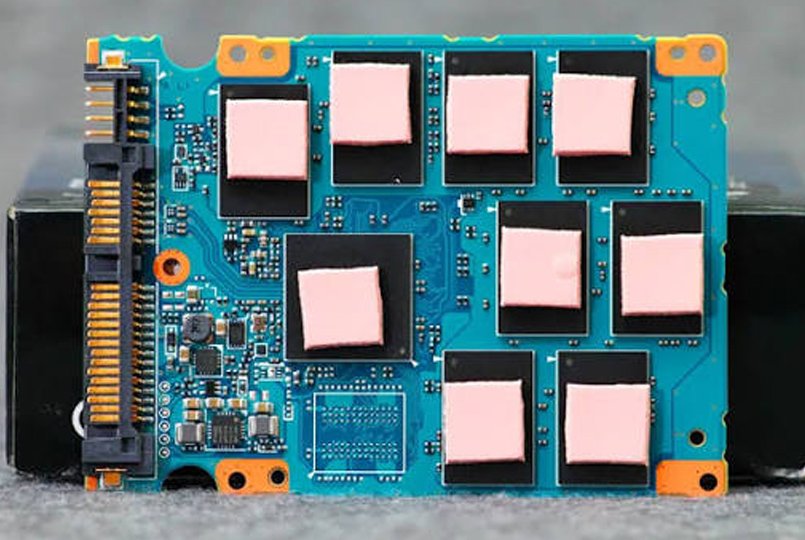
The controller is the first place to review. A thermal pad placed over the controller can transfer heat into a heatsink, SSD cover, or metal housing.
The pad should fully cover the controller surface. Gaps, trapped air, and poor compression can reduce heat transfer. The pad thickness must match the real gap between the controller and the cooling surface.
NAND Flash Area
NAND flash chips are often spread across the PCB. A thermal pad can cover several flash packages and help move heat evenly away from the chip group.
This is especially useful for large-capacity SSDs and double-sided layouts. The pad must contact each package well enough to form a continuous heat path.
DRAM Cache Chip
Some high-performance SSDs use a separate DRAM cache chip. It supports faster data handling and may heat up during frequent small-file operations.
When the SSD has a DRAM cache, a small thermal pad can help keep the cache area stable. This is more important in enterprise SSDs and drives used for long write cycles.
Back Side of the PCB
Double-sided SSDs may also need thermal pads on the back side. Heat can come from rear-side NAND packages, power management parts, or other components.
Back-side pads are often used to connect the SSD to a metal tray, shell, or external heatsink.
Metal Shell or Heatsink Contact Area
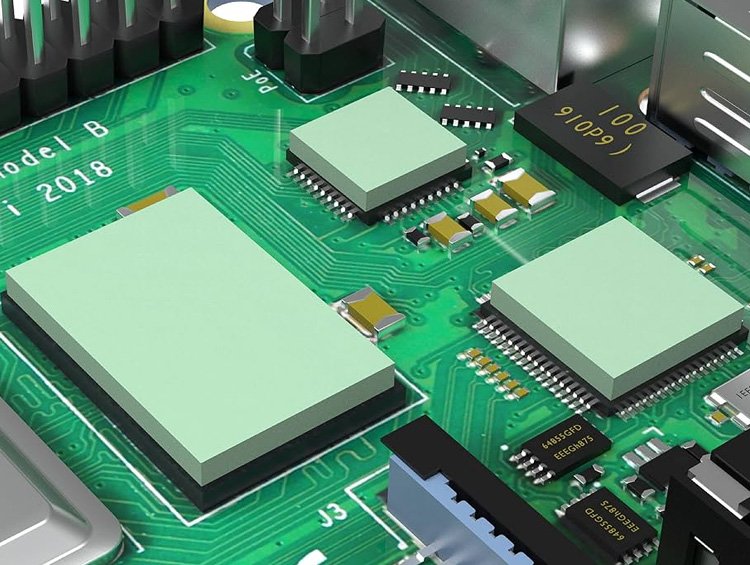
Many SSDs use a metal cover, heatsink, or enclosure to spread heat. A thermal pad fills the gap between the PCB components and the metal part.
Without a pad, small surface gaps trap air. Air is a poor heat conductor, so the cooling path becomes weak. A soft silicone rubber thermal pad improves surface contact and helps move heat out of the drive.
Why Silicone Thermal Pads Are Common for SSD Cooling
Silicone rubber thermal pads are widely used because they combine several properties that SSD assemblies need.
They are soft enough to fill uneven gaps. They also provide electrical insulation, which helps protect the SSD PCB from short circuits. A good pad can absorb small tolerance differences between components, housings, and heatsinks.
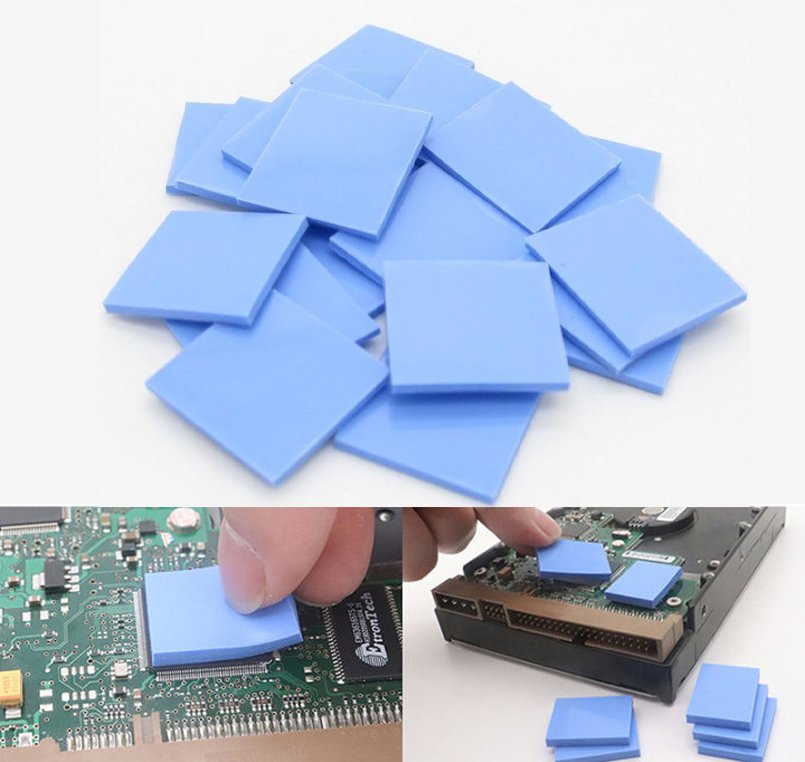
For custom projects, custom thermal pads can be made in different thicknesses, hardness levels, thermal conductivity grades, and die-cut shapes. This helps match the real SSD layout instead of forcing one standard pad into every design.
SSD Thermal Pad Selection
Choosing an SSD thermal pad is not only about choosing the highest thermal conductivity number. The pad must also fit the gap, compress correctly, stay stable under heat, and avoid electrical risk.
Thermal conductivity should be selected around the real heat load. Many SSD designs can use pads above 2 W/m-K, while PCIe 5.0, enterprise, or tightly packed systems may need higher values. Better conductivity helps move heat faster from the chip to the heatsink or shell.
Thickness should be based on the measured gap, not only the nominal heatsink height. A pad that is too thin may not contact both surfaces. A pad that is too thick may create assembly stress.
Compression also matters. The pad should compress enough to remove air gaps while keeping stable contact pressure. Proper compression improves heat transfer and helps prevent movement during vibration.
Temperature resistance should match the long-term SSD operating environment. Poor heat resistance can lead to hardening, pumping out, cracking, or loss of contact.
Electrical insulation is important when the pad may touch PCB traces or components. An electrically insulating silicone pad helps reduce short-circuit risk in compact SSD assemblies.
Long-term reliability should be checked through aging behavior, compression set, adhesive behavior, and surface compatibility. SSDs in servers, vehicles, and industrial systems often need years of stable service.
Common SSD Cooling Pain Points
Thermal design for SSDs is difficult because the available space is small and the heat source is not always the same.
M.2 drives are very thin. Laptop and 1U server slots leave little room for large heat sinks. A thermal pad must do useful work in a narrow space.
Cost also matters. Vapor chambers, liquid cooling, and advanced graphite modules may improve cooling, but they can add cost and design complexity. For many SSDs, a silicone rubber thermal pad with a simple metal spreader is still the most practical solution.
Standardization is another challenge. Different controller vendors, NAND layouts, and single-sided or double-sided PCBs create different thermal maps. A universal pad may not contact the right area or may over-compress certain components.
Long-term reliability is also critical. Pads and adhesive layers can age under continuous heat. In industrial and server applications, the design should account for years of thermal cycling, compression, and vibration.
Conclusion
SSD thermal pads are a small part, but they can decide whether a storage product runs at full speed or loses performance under heat.
Match pad thickness to the chip heights and the available gap, then check the compression against the chosen cooling surface. Plan this interface early, especially for high-performance drives and compact systems where there is little space to adjust the assembly later.
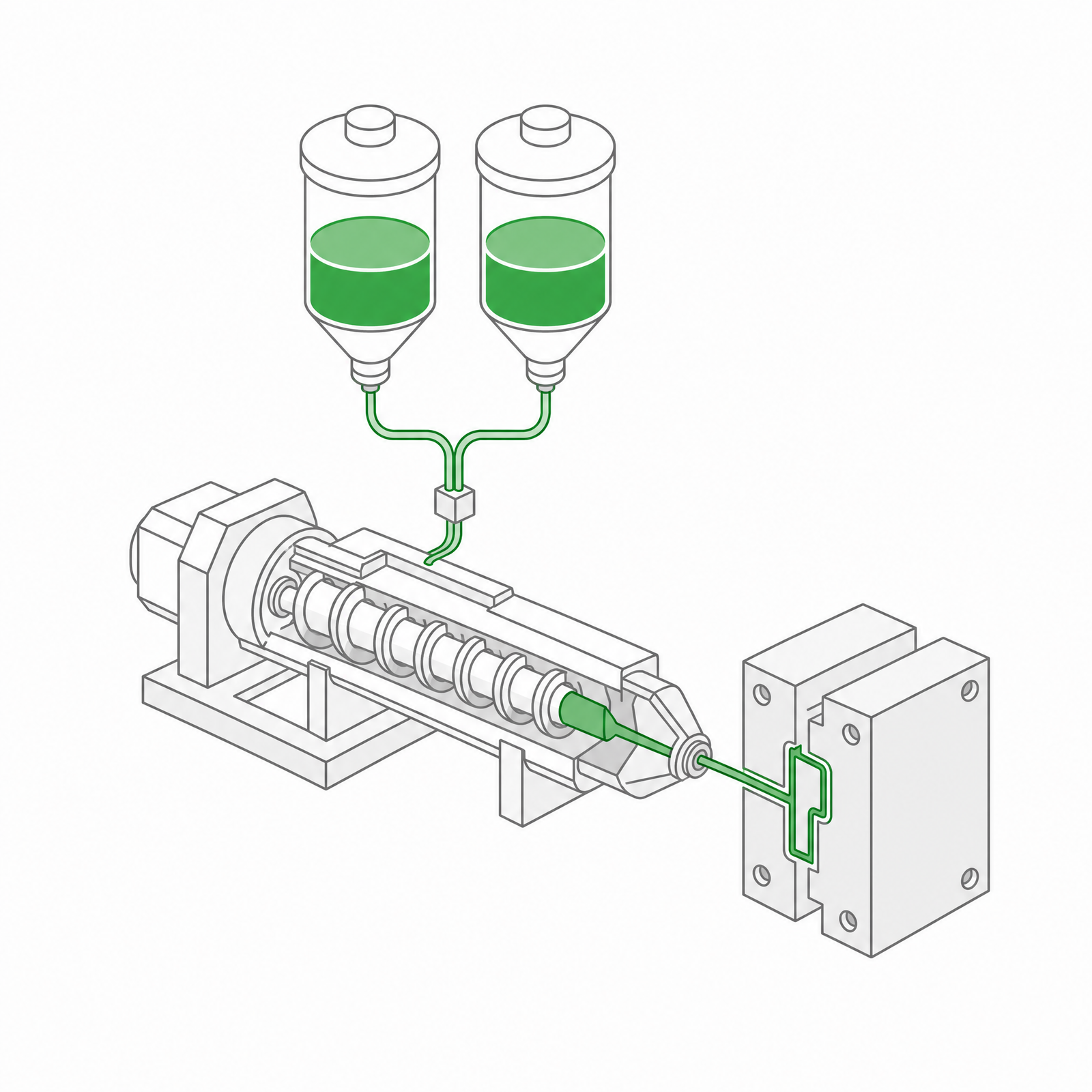 LSR Injection Molding
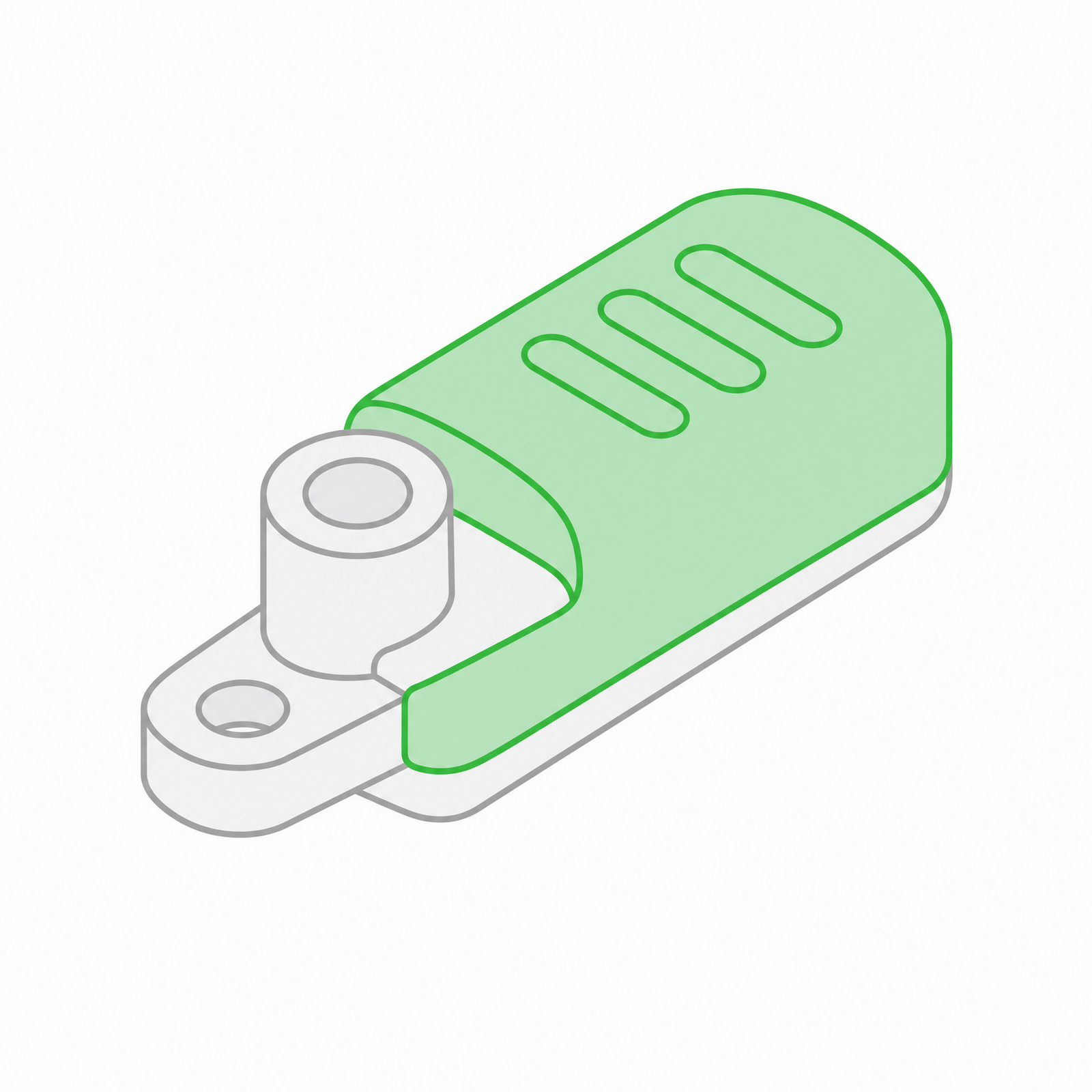 Silicone Rubber Overmolding
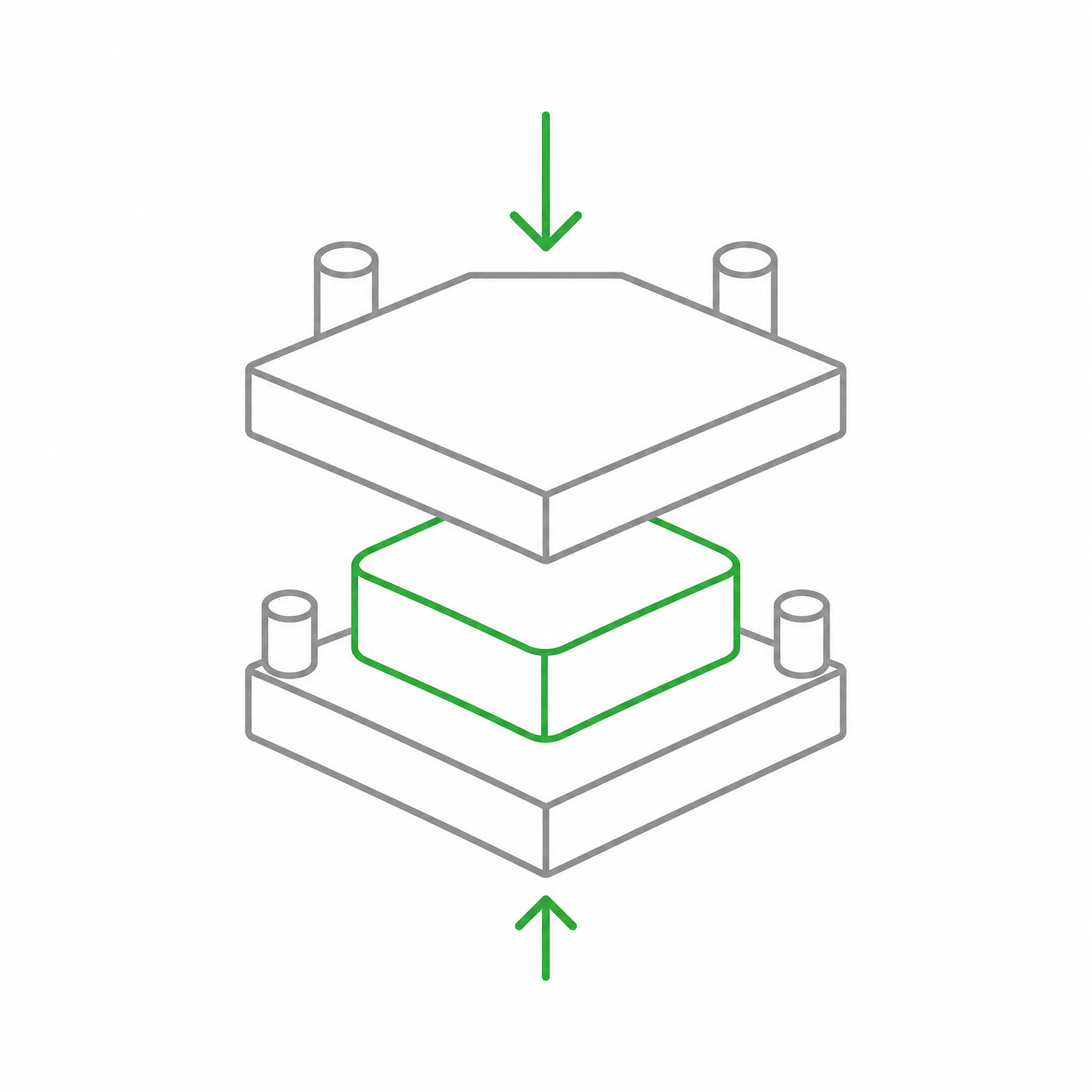 Compression Molding
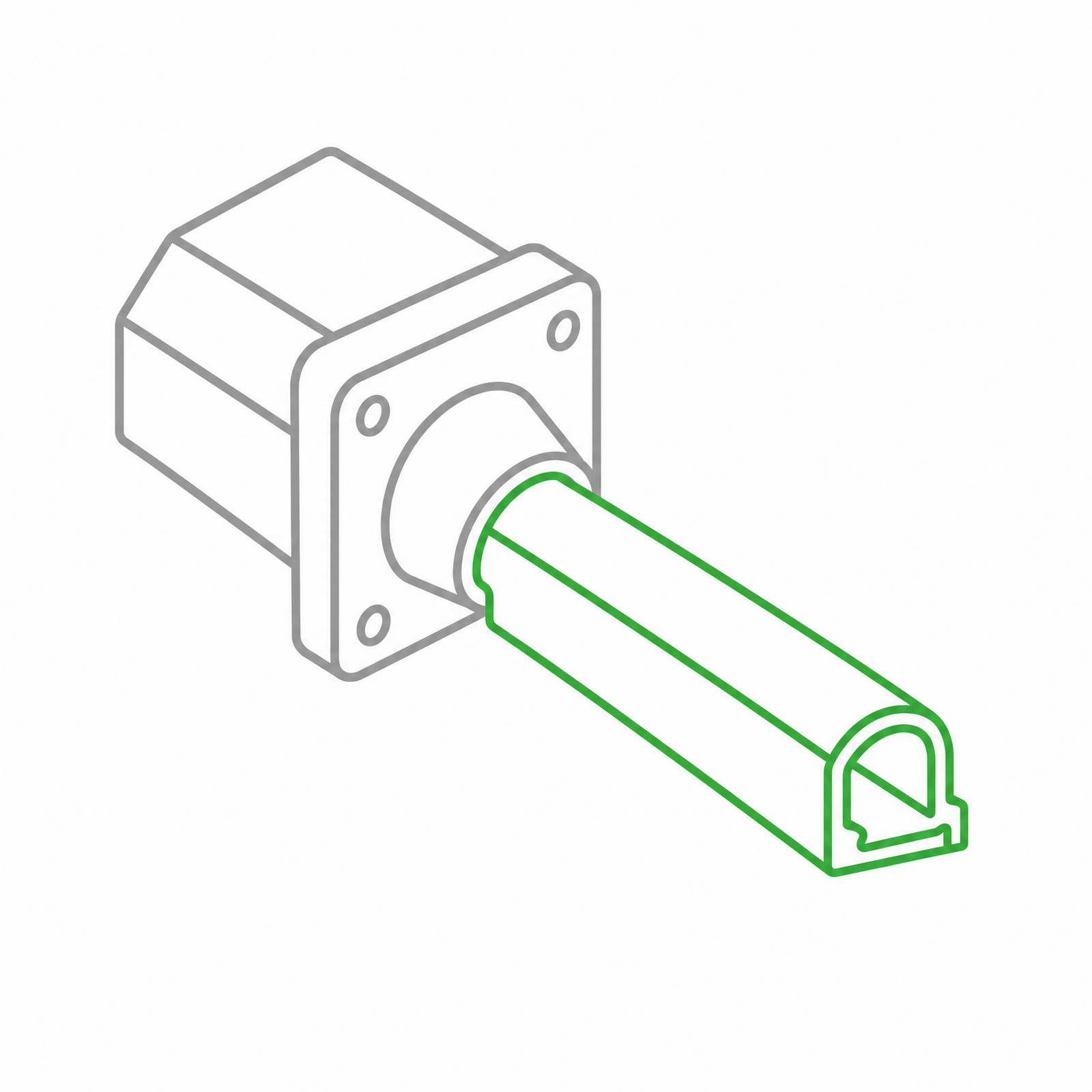 Silicone Rubber Extrusion
 In-house Tooling